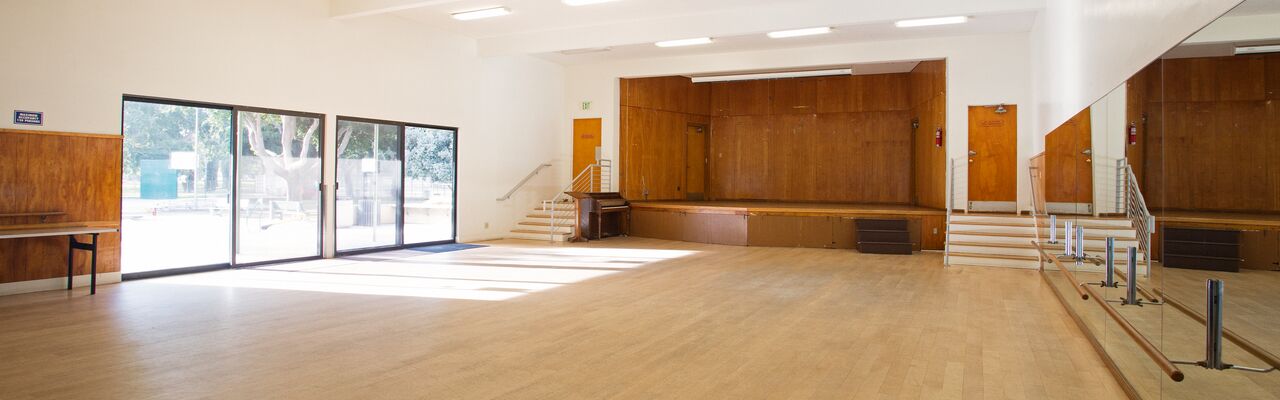
How To Reserve a Community Meeting Room
Whether you're planning a small gathering or a large celebration,
our Community Meeting Rooms offer the perfect setting to host a memorable event.
To Make a Reservation:
- Review Available Locations and Dates ( below )
- Submit an Online Reservation Request through ActiveNet ( below )
- Submit a Park Facility Rental Application
Applications must be submitted at least 10 calendar days prior to the date of the event, but no more than 6 months in advance.
Continue the Process:
-
Step 1 : Review Available Locations and Dates
+ -📅 Click on the links below to view the Room Calendar & Details.
NOTE: The calendar feature may not function properly on a tablet or cell phone.
Small Meeting Rooms
- Douglas Park Clubhouse (40 max)
- Euclid Park Room 1 (18 max)
- Joslyn Park Craft Room (60 max)
- Memorial Park Craft Room (40 max)
- Reed Park Auditorium Half (40 max)
Large Meeting Rooms
- Joslyn Park Auditorium (100 max)
- Marine Park Auditorium (120 max)
- Reed Park Auditorium Full (110 max)
To view more Rooms and Amenities at Other City Locations, reference the FAQ Section.
-
Step 2 : Submit Online Reservation Request
+ -Once you have selected a Community Room ( Step 1) , sign in to your ActiveNet Account in order to submit the online reservation request.
You will be prompted to enter the following details:
- Event Type Select "Meeting" from the drop-down menu.
- Number of Attendees
- Dates & Times ( 2 Hour Minimum). The total hours requested must include time for set up and clean up.
- Payment Do NOT submit payment at this time. Payment will appear as "Deferred to Payment Plan" until after your full application has been reviewed and approved by City staff.
You will receive an email receipt, including a Permit Number, for your online reservation request. Save this for your records.
IMPORTANT: Complete Step 3 ( below ) in order to finalize your request. Without this information, your application will not be considered.
-
Step 3 : Download and Submit Facility Rental Application
+ -1. Complete and initial this Park Facility Rental Application (4 pages). Incomplete applications will not be accepted or processed.
2. If applicable, attach supporting documentation to receive discounted pricing.
- Santa Monica Residents Proof of address must be submitted with your Park Facility Rental Application.
- Santa Monica Non-Profits Poof of Santa Monica 501c3 certification must be submitted with your Park Facility Rental Application.
3. Email the completed application to reserve@santamonica.gov at least 10 calendar days prior to the date of the event, but no more than 6 months in advance.
- Please allow 7 business days for processing after receipt of the completed application.
- After your application has been processed, denial or approval of your request will be sent to the email listed on the application.
-
Make Payment
+ -Upon approval of your application, you will receive an email with instructions on how to make payment via your ActiveNet Account
- Payment in full is required within 10 calendar days of approval notification.
- Payment must be made by credit card. An additional non-refundable credit card processing fee of 2.95% will be charged for all credit card transactions.
-
Review Permit Instructions
+ -You will receive a copy of your Permit via email. Please ensure you review and adhere to all rules and regulations included on the permit.